
Images are a key part of any website, blog, or online project, but large image files can slow down your site and create a poor user experience. When pages take too long to load, visitors often leave before they even see your content. That’s why it’s important to compress image files without losing quality. By reducing file size, you improve website speed, boost SEO performance, and keep users engaged for longer periods.
Many people think image compression is complicated, but it doesn’t have to be. With the right methods and tools, you can easily compress image files while keeping them clear and sharp. Platforms like iLoveImge provide simple and efficient solutions for this task, making it easier for beginners and professionals alike. In this article, we will explore creative and effective ways to reduce image size while maintaining quality.
Understanding Why Image Compression Matters
Image compression is not just about saving storage space; it plays a major role in website performance and search engine ranking. When you compress image files, your website loads faster, which improves user experience and helps reduce bounce rates. Search engines like Google consider page speed as an important ranking factor, so optimizing your images can give you a competitive edge.
Another reason to compress image files is bandwidth efficiency. Large images consume more data, which can be a problem for users with slow internet connections or limited data plans. By using smart compression techniques, you ensure your content is accessible to a wider audience. This approach also helps maintain a balance between visual quality and performance, which is essential for modern websites.
Choosing the Right Image Format
One of the simplest ways to compress image files is by selecting the correct format. Different image formats have different compression capabilities, and choosing the right one can make a big difference. For example, JPEG is ideal for photographs because it offers good compression with acceptable quality loss, while PNG works better for images that require transparency or sharp edges.
WebP is another modern format that provides excellent compression without noticeable quality loss. Many online tools, including iLoveImge, allow you to convert images into more efficient formats. By switching to the right format, you can significantly reduce file size without needing advanced editing skills. This method is both effective and easy to apply for beginners.
Using Online Tools for Fast Compression
Online tools are one of the easiest and most convenient ways to compress image files. Websites like iLoveImge offer user-friendly interfaces where you can upload your images and instantly reduce their size. These tools use advanced algorithms to maintain image quality while lowering file size, making them perfect for quick optimization tasks.
Another advantage of online tools is that they do not require installation or technical knowledge. You can access them from any device and compress image files in just a few clicks. Whether you are working on a blog, an e-commerce site, or social media content, these tools provide a fast and reliable solution for image optimization.
Adjusting Image Dimensions and Resolution
Reducing image dimensions is another effective way to compress image files. Many images are uploaded at higher resolutions than necessary, which increases their file size. By resizing images to match your website’s display requirements, you can significantly reduce their size without affecting how they appear on the screen.
Lowering the resolution is also helpful, especially for web use. Most screens do not require extremely high resolution, so reducing it can save space while maintaining visual quality. Tools like iLoveImge allow you to easily adjust dimensions and resolution, helping you achieve the perfect balance between size and clarity.
Balancing Quality and Compression Levels
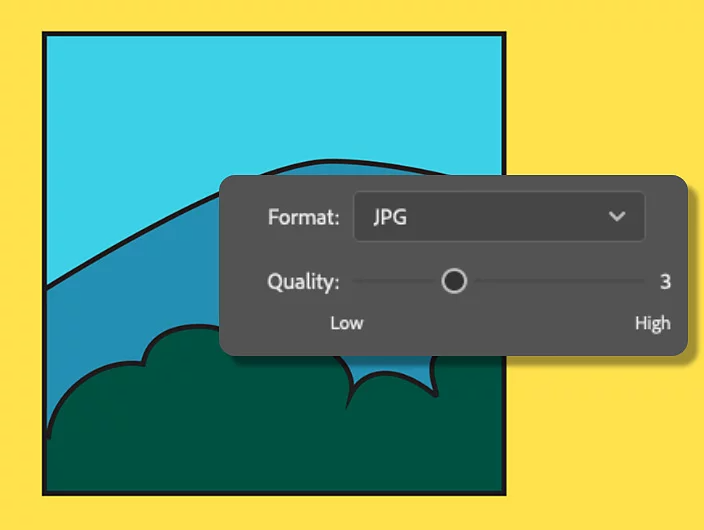
When you compress image files, finding the right balance between quality and size is crucial. High compression levels reduce file size but may affect image clarity, while low compression keeps quality high but may not reduce size enough. The goal is to find a middle ground where the image looks good and loads quickly.
Many tools provide adjustable compression settings, allowing you to control the level of optimization. By experimenting with these settings, you can determine what works best for your needs. This approach ensures that your images remain visually appealing while still benefiting from reduced file size and faster loading speeds.
Automating Image Optimization for Efficiency
For websites with many images, manual compression can be time-consuming. Automating the process is a smart solution that saves time and ensures consistency. Many platforms and plugins can automatically compress image files when they are uploaded, making it easier to maintain optimized content.
Automation also helps prevent mistakes, such as uploading large, uncompressed images. By integrating tools like iLoveImge into your workflow, you can streamline the optimization process and focus on creating content. This method is especially useful for businesses and bloggers who regularly update their websites with new images.
Advanced Techniques for Better Results
Beyond basic methods, there are advanced techniques that can help you compress image files more effectively. One approach is using lazy loading, which delays the loading of images until they are needed. This reduces initial page load time and improves overall performance.
Another technique is caching, which stores optimized images so they load faster on repeat visits. Combining these strategies with compression ensures the best possible results. By applying these methods, you can create a faster, more efficient website that provides a better experience for users.
Conclusion
Compressing images is an essential step for anyone who wants to improve website performance and user experience. By using the right formats, tools, and techniques, you can easily compress image files without sacrificing quality. Platforms like iLoveImge make this process simple and accessible, even for beginners.
When you focus on image optimization, you not only enhance your site’s speed but also improve its SEO performance and user satisfaction. From resizing and format selection to automation and advanced techniques, every step plays a role in achieving better results. By applying these creative methods, you can ensure your images are optimized, efficient, and ready to support your online success.